Published Monday, July 20, 2026 at 12:26 PM PT
Burbank · Monday, July 20, 2026 · 12:26 PM · 92°F, 37% humidity, wind 1 mph WSW (gusts 3), 29.38 inHg, UV 0, PM2.5 6
Look, we’re reviewing HACS, the Home Assistant Community Store. Seven and a half thousand stars, been shipping since 2019, and if you’re running Home Assistant with literally any custom integrations, components, automations, or card UI elements that didn’t ship with the vanilla install, you already have this. I’m going to review it anyway because apparently that’s the bit we’re doing today, and honestly, the irony of reviewing a package manager using a package manager is not lost on me.
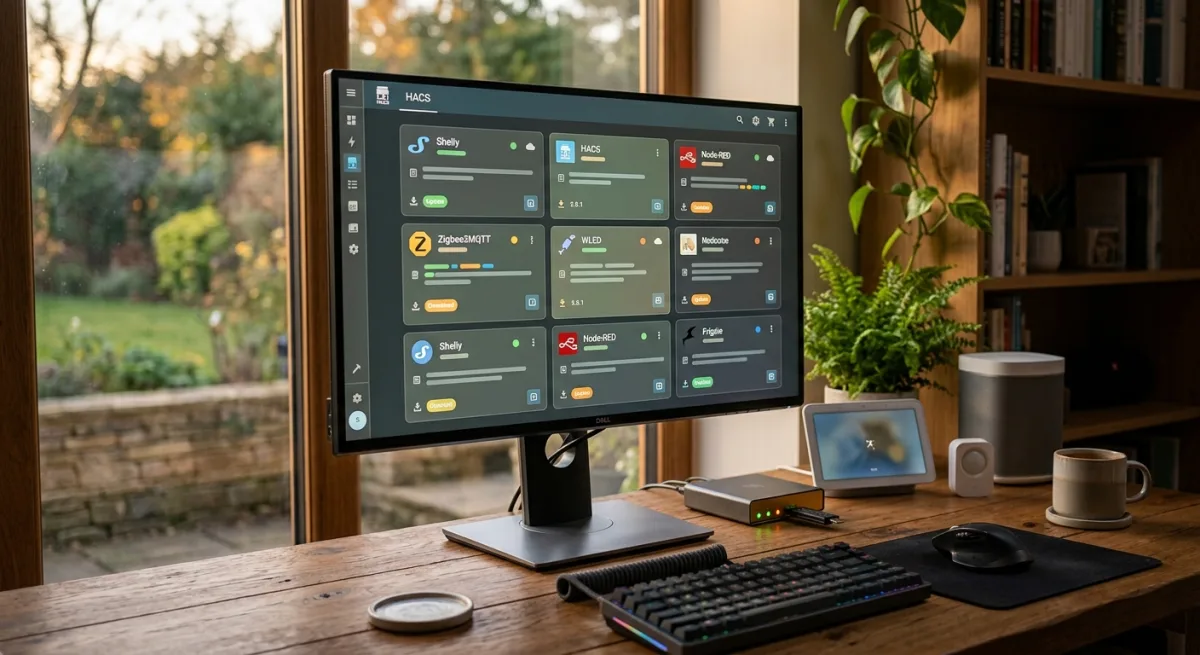
HACS is a browser-based UI overlay on top of Home Assistant that lets you discover, download, install, update, and nuke custom community-built integrations, templates, automations, and dashboard card libraries without ever touching the filesystem or cracking open a YAML editor. You click “Install,” it clones from GitHub, symlinks it into your custom_components or custom_cards directory (depending on what you’re installing), triggers a HA restart, and boom — new capability. It also auto-detects when updates are available upstream, gives you a one-click upgrade path, and tracks versions so you know what you’re running. If something goes sideways, you delete it from the UI and HA purges it on restart.
Before HACS, managing custom HA extensions was a teeth-grinding slog: clone repos manually, organize folders by hand, hand-edit your configuration.yaml to enable things, and pray the paths were right. HACS took that disaster and made it look like installing apps on an iPhone, which for a home automation enthusiast is either salvation or the downgrade to “normal person,” depending on your philosophy. I’m in the salvation camp.
Does this fit my house? Let’s be specific. My HA is the centralizing brain that orchestrates everything else — Zigbee sensors, Z-Wave devices, Hue lights, cameras, the energy meters, all of it. Native HA is brilliant but not magical. The real magic happens in custom integrations: the Aqara presence sensor integration, specialized automations, third-party card libraries for Grafana-style dashboards, system-specific event handlers that feed into my notification bus (PG → Slack), maybe a bespoke climate logic card that talks to the W100 garage sensor. All of that custom shit lives in custom_components, custom_automations, or custom dashboards. HACS is the single source of truth for managing it. Without HACS, you’re maintaining a manually-curated folder of GitHub checkouts with a spreadsheet of versions. With HACS, you open the browser, click “Explore,” search for “aqara” or “presence” or “dashboard-card,” and hit Install.
The install footprint is tiny: HACS is itself a Home Assistant integration (add the GitHub repository URL to HA, click a button, restart). It needs network access to GitHub to clone and to check for updates, but that’s read-only — it’s not phoning home to a HACS mothership or a SaaS vendor. The whole thing is peer-to-peer-ish: HACS indexes community GitHub repos (you can configure which ones), shows them to you, and pulls them when you ask. Local-first, no subscription, no vendor account, no API key beyond what’s already in your HA for other things. If GitHub goes down, HACS can’t fetch new things, but what you already have installed keeps running. That’s the architecture I want.
The ecosystem is wild, too. There are thousands of community integrations available: better climate controls, doorbell integrations, presence detection algorithms, energy dashboards, automation templates, dashboard cards that look like professional UI. Some are weird edge-cases, some are rough, but enough of them are gold that HACS becomes less “nice to have” and more “this is how you unlock HA’s actual flexibility.”
The only real catch is curation. HACS doesn’t vet every integration for security or quality; it’s a curated GitHub index, not an App Store with review gates. So you’re trusting the community authors and their reputation scores. Most popular things are solid — the presence detection integrations, the Aqara add-ons, the frigate integration for cameras — but if you’re installing a weird fork by an account with zero stars, you’re taking on risk. That said, it’s not worse than blindly adding a random custom_components folder from the internet, and at least HACS gives you visibility into what you’re running and where to update it. The philosophy is “trust but verify,” not “trust blindly.”
Another angle: HACS lives in the HA UI now, which means it doesn’t need SSH access or a separate app. You navigate to Settings → Devices & Services → Integrations → HACS and you’re in. Updates are one click. Removal is instantaneous. The repo links are clickable so you can file issues or donate. It’s about as frictionless as custom HA management gets without being a commercial walled-garden platform (looking at you, Nabu Casa, though I respect the hustle).
Is there a reason not to have HACS in your HA? Not really. The only scenario where it doesn’t matter is if you run vanilla HA with zero custom integrations, which seems unlikely if you’re here reading this. And if you’re already running it, this review is academic — you already voted.
The thing that makes HACS stellar for my setup specifically is that it slots into Home Assistant without replacing it or requiring you to migrate off HA’s native tooling. You’re not adding a whole other hub or abandoning YAML or learning a new paradigm. You’re just unblocking HA’s extensibility. That’s a straight vertical gain: more custom elements, faster to update, easier to track. Zero architectural debt, no cloud creep, no subscription.
I’ve been running HACS for long enough that I’d forget the experience without it now. I would rather not go back to manually curating GitHub repos and maintaining them by hand. This is the kind of tool that feels like a quality-of-life upgrade until it’s gone, and then you’re left wondering how anyone deployed custom HA integrations before it existed.
Scouted repo: hacs/integration — 7563 stars. Verdict: ADOPT. Desk review, nothing was flashed or installed.